Things you can do with your web browser...
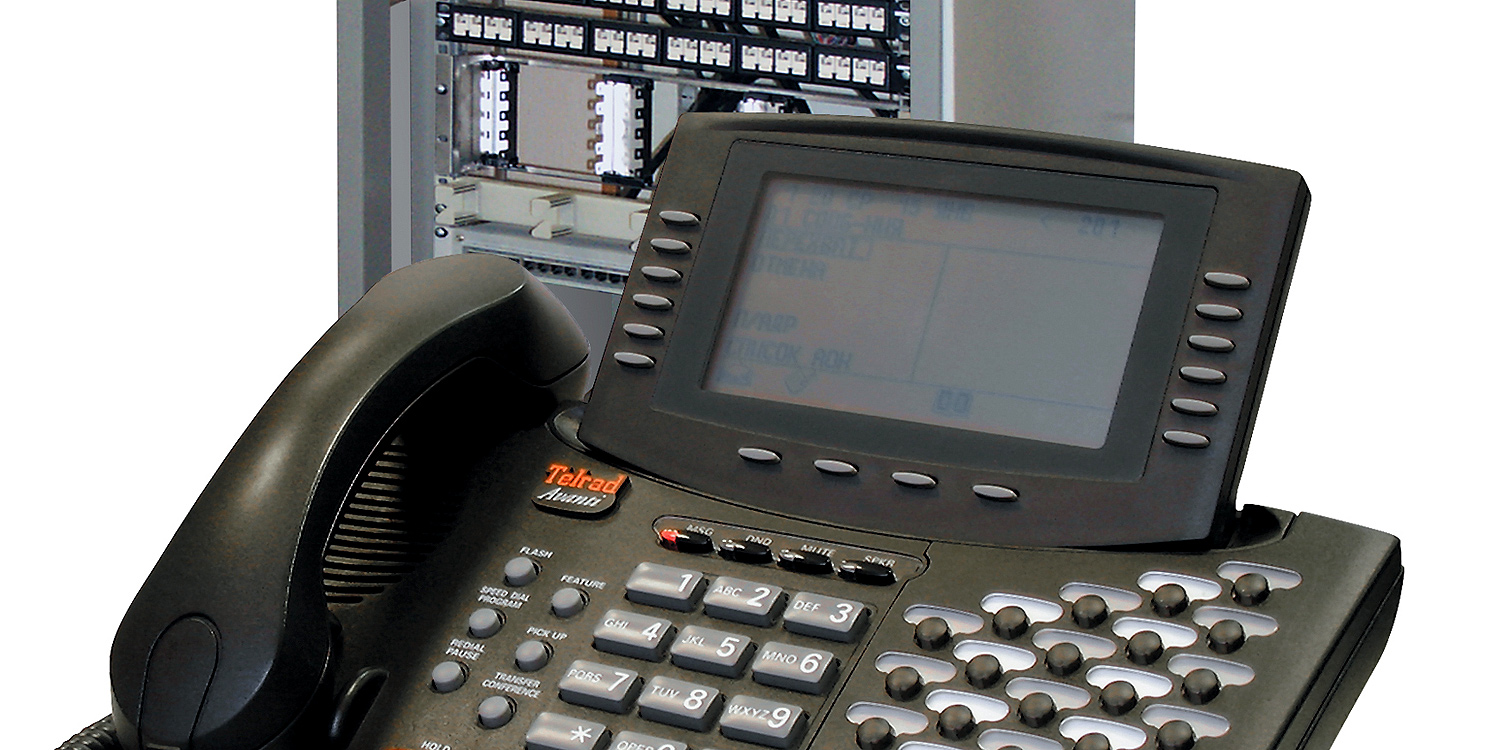
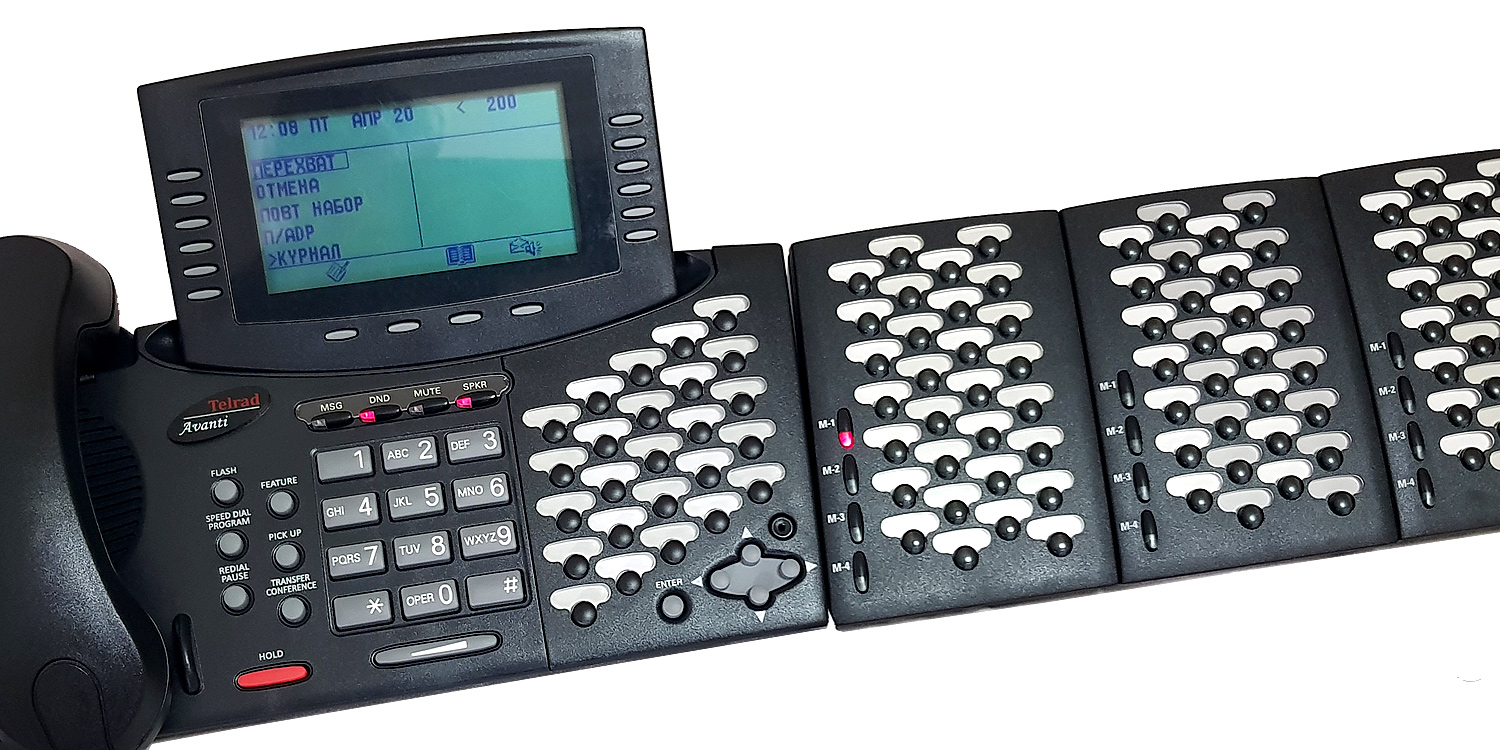
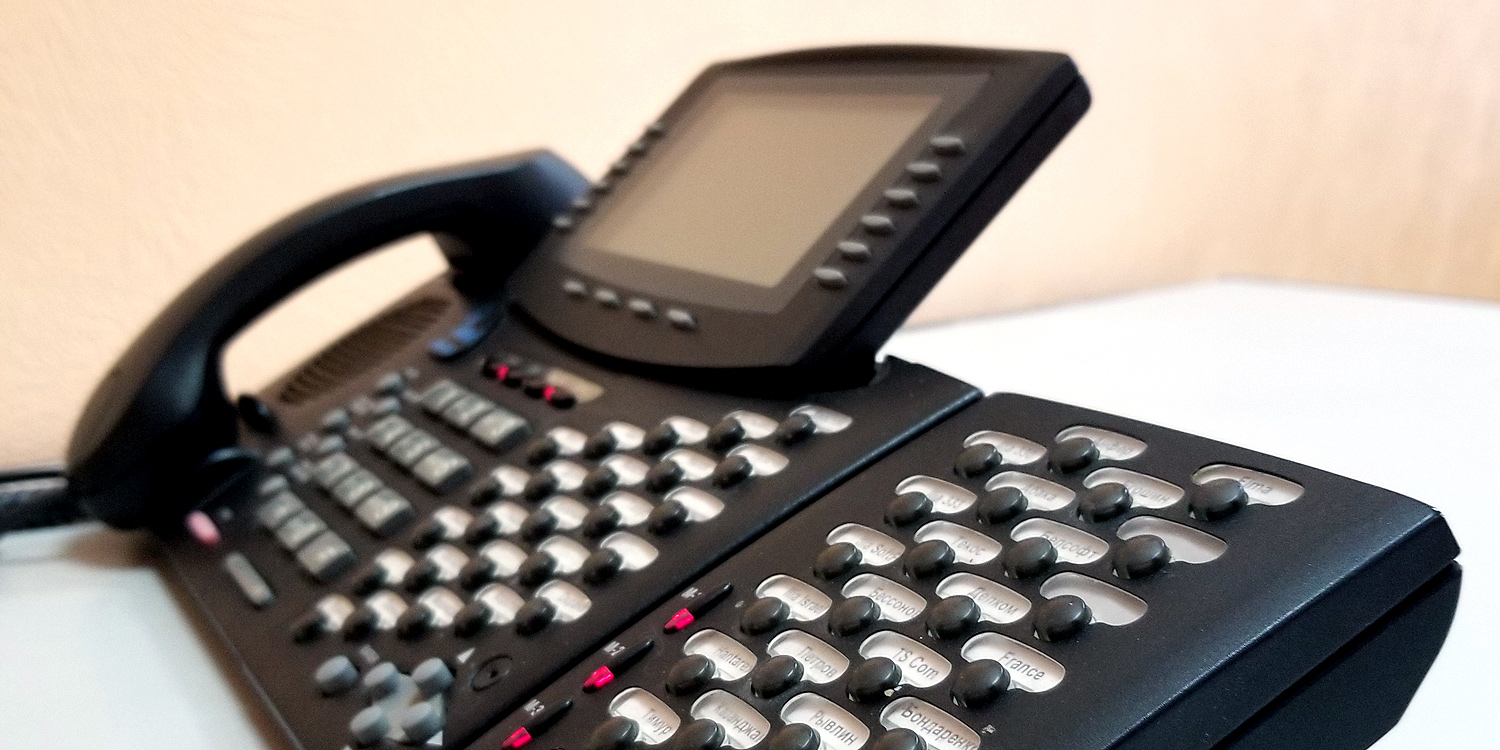
Would you like an easy way to return unanswered calls, forward calls, store Address Book entries and more? The AdvanceIP communications system enables every user to customize and operate their telephone through a PC, regardless of the size of their telephone display type or whether it has a display at all.

First, ask your system administrator for the exact IP address of the AdvanceIP Web Portal in your office, as well as your password. Then, enter that address in your web browser's address line. Once the AdvanceIP Web Portal’s login page is displayed, enter your telephone extension number in the User Login field, and your password in the Password field. Then click Login, and you are there.

User:
Password:


New Service contact info in Israel

Notice to Israeli Customers

As of November 15, 2007, our Israeli Service Department contact information has changed. Below is the new information:
Telephone: 03-5578999. Fax: 03-5578989
Email: IL-Service@connegy.com
We look forwards to continue serving you!


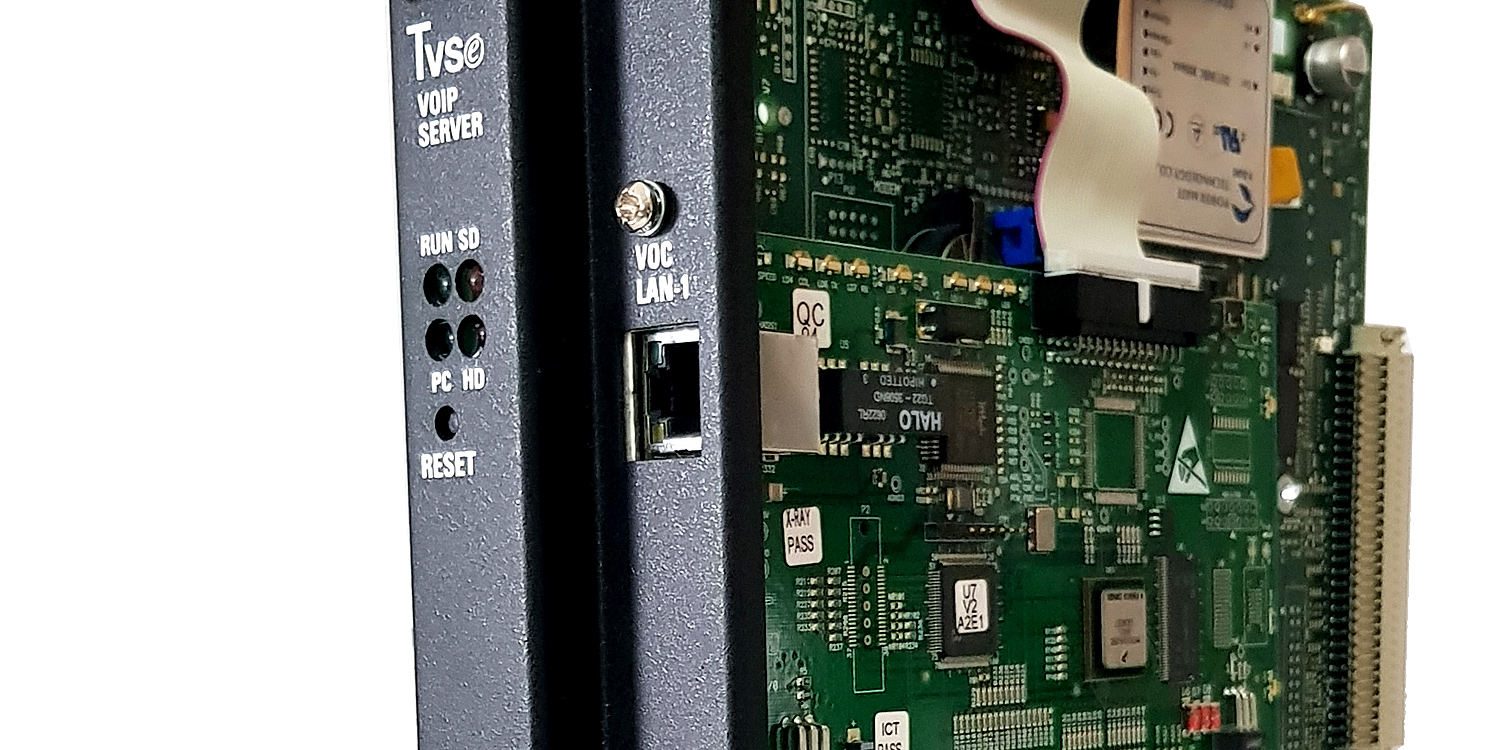
Connegy NGN launched its new pure IP product line

Telrad Connegy launched its new line of pure IP Connegy NGN systems... Click here for more


By way of introduction

Telrad Connegy provides high-value telecommunication solutions at cost effective prices to organizations of all sizes worldwide... Click here for more


The All-in-One concept

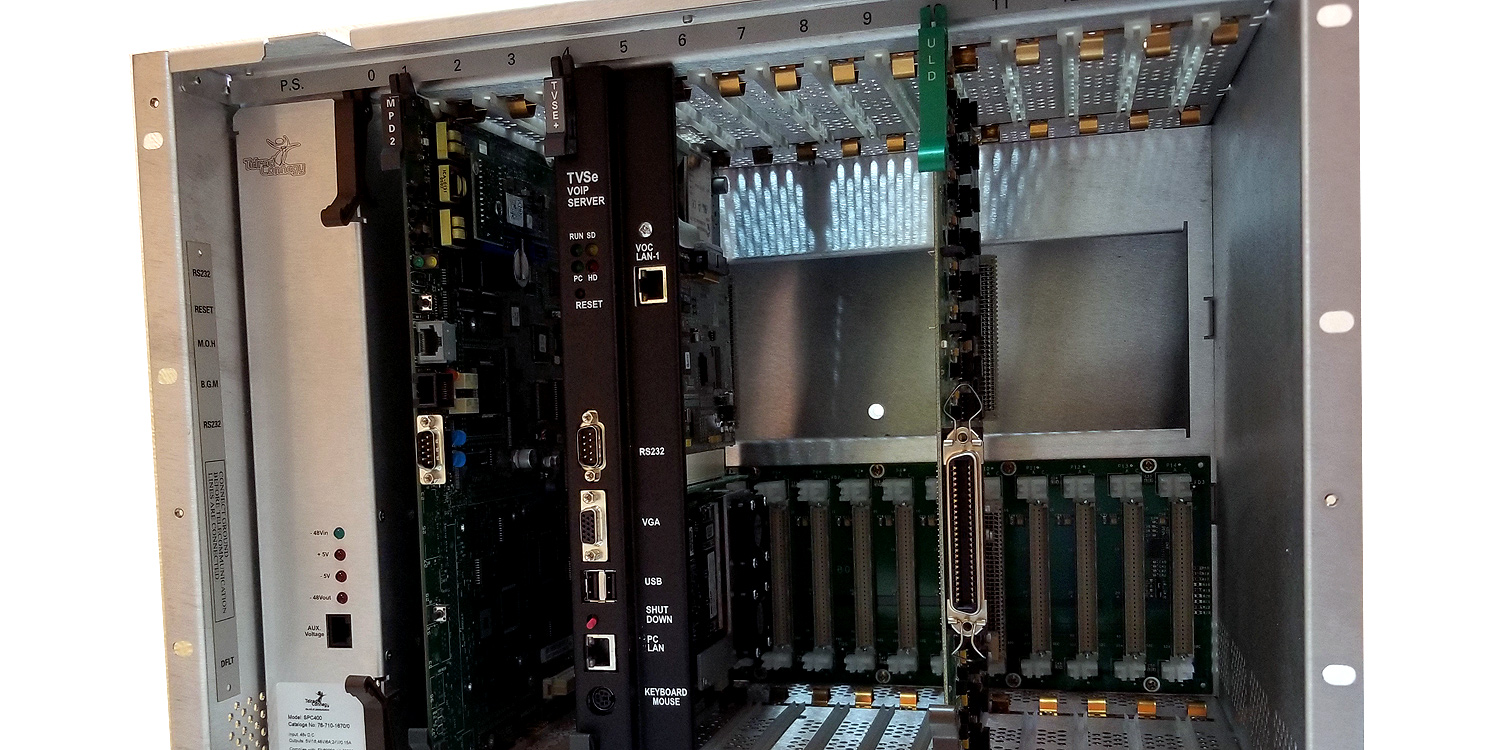
Now you can have it all. Whatever the architecture and configuration of your organization, whatever the technology and requirements - AdvanceIP can deploy the best solution for you. Don't worry about the technology: AdvanceIP supports the leading trends and standards in the market, such as VoIP and SIP... Click here for more

April 28, 2008
April 28, 2008
March 26, 2008
March 13, 2008
December 18, 2007
October 17, 2007
October 11, 2007
July 01, 2007
July 01, 2007
June 16, 2007
June 06, 2007
November 01, 2006